
01 / WEDDING
The moments you said yes.
Generous imagery, quiet typography, timeless light.
Turn the photographs you love into a photo book that feels entirely yours. Design each page on your Mac, see the whole spread, and export clean PDF pages ready for your printer.

Some photographs deserve more than a folder. They deserve to be opened, shared, given, and returned to.
InkLayout gives your images room to breathe and puts you in control: an open spread on screen, an independent composition on every page, and thoughtful details without unnecessary complexity.
Choose a mood. Then make every page your own.
Generous imagery, quiet typography, timeless light.

Warm colours and room for spontaneous memories.

Open horizons, small details, and moments from the road.
Collection photographs are digitally created samples for this presentation. The app screenshots below come from InkLayout.
Real screenshots from the Mac app, featuring sample content.
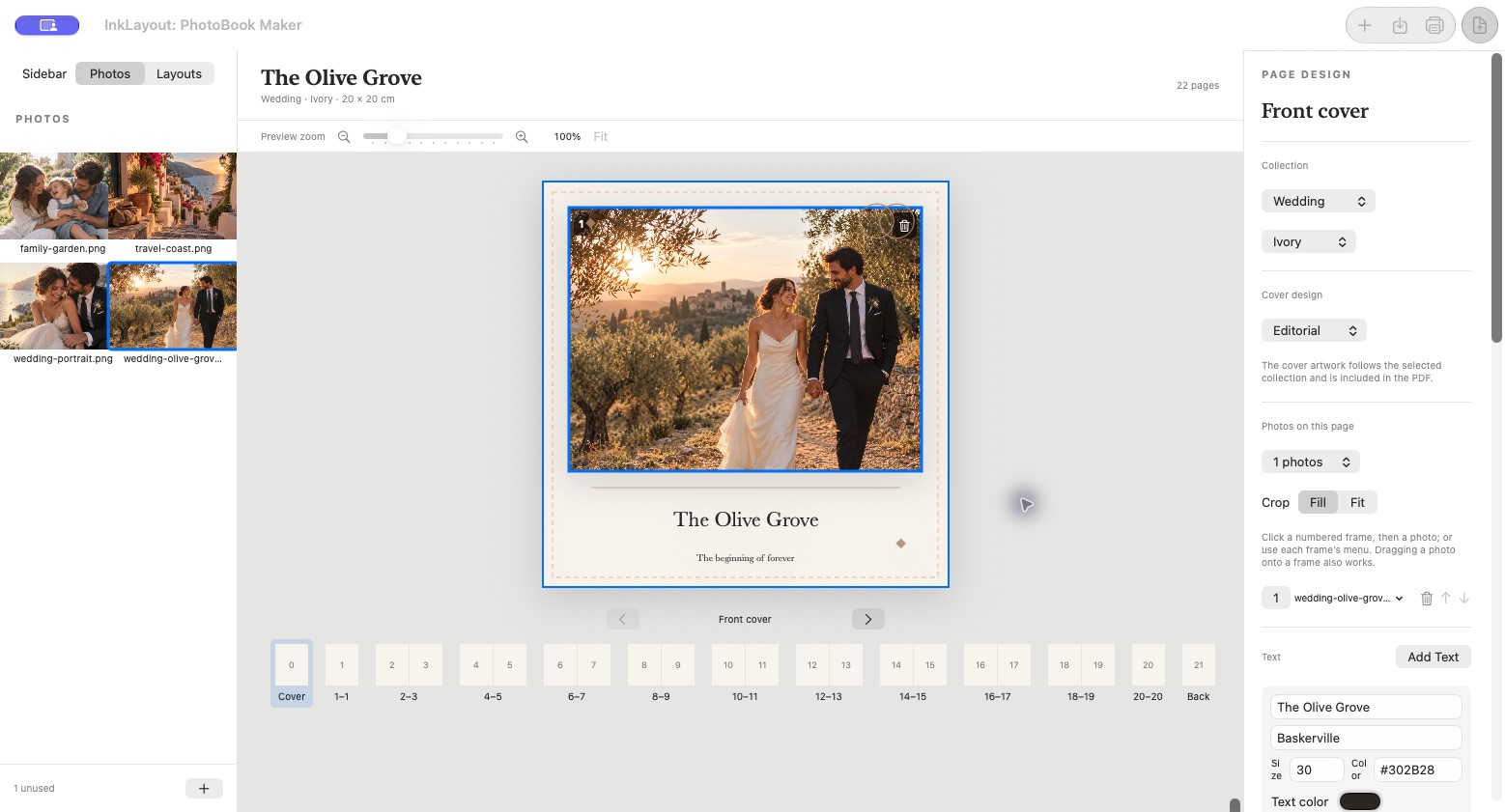
Create a cover that belongs to your story, with a photograph, a title, and the visual language of your chosen collection.
Preview the open book and choose photographs for each page.
Try different compositions and apply them to the book with a click or a drag.
From selecting photographs to preparing the file for your printer, the creative process stays in your hands.
InkLayout exports a PDF of individual pages in reading order, at the real size you selected. Booklet imposition and binding specifications should be agreed with your printer.
Helpful answers about the app and a direct way to get in touch.
From the home screen, choose “Open Project” and select the .pfbook file. Keep it as a single package and do not manually remove its contents.
No. InkLayout works locally on your Mac, without an account or subscription.
Check the size, page order, and image resolution in the print setup. The PDF contains individual pages; confirm the final page count, bleed, and binding with your printer.
Open the project and check the warning for that file. Add the photograph again from its source and save the book.
Coming soon to the Mac App Store · macOS 14 or later
