Your sizes. Your mix.
Choose a preset or enter a custom size for a single photo. Combine large and small prints on the same sheet.
From one favourite portrait to a full sheet of memories. Set the size, arrange the page, and print with confidence on your Mac.
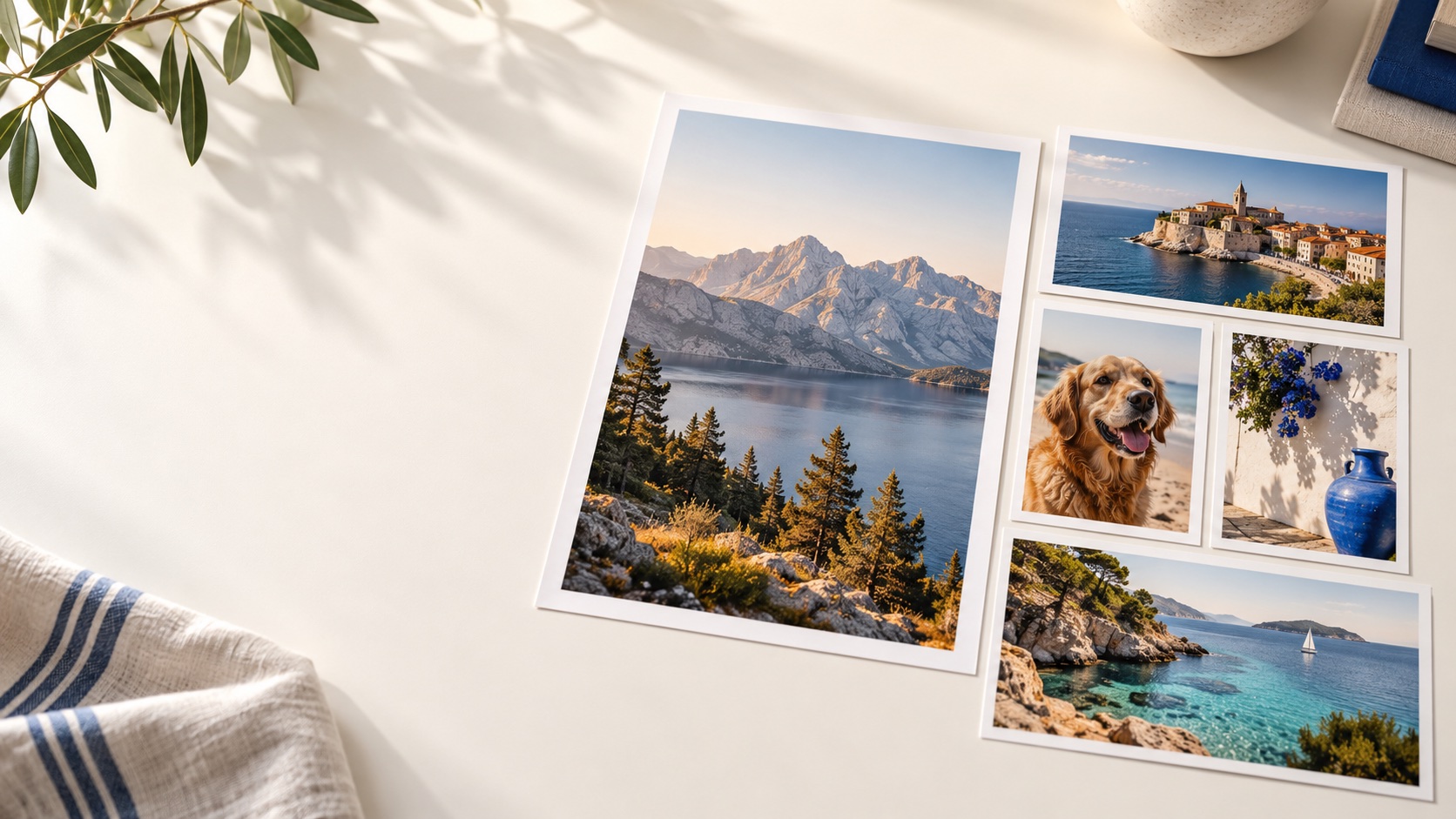 A4 · A3 · A5 · US Letter
InkLayout helps you fit your photographs onto the paper without losing control of their real dimensions. Add a batch, choose a size for all, then give any photo its own size or extra copies.
Choose a preset or enter a custom size for a single photo. Combine large and small prints on the same sheet.
Set the quantity for each photograph. InkLayout fills pages automatically and centers the remaining prints.
Use Fit or Crop, adjust colour, add a border, and move or resize a print by hand when you need to.
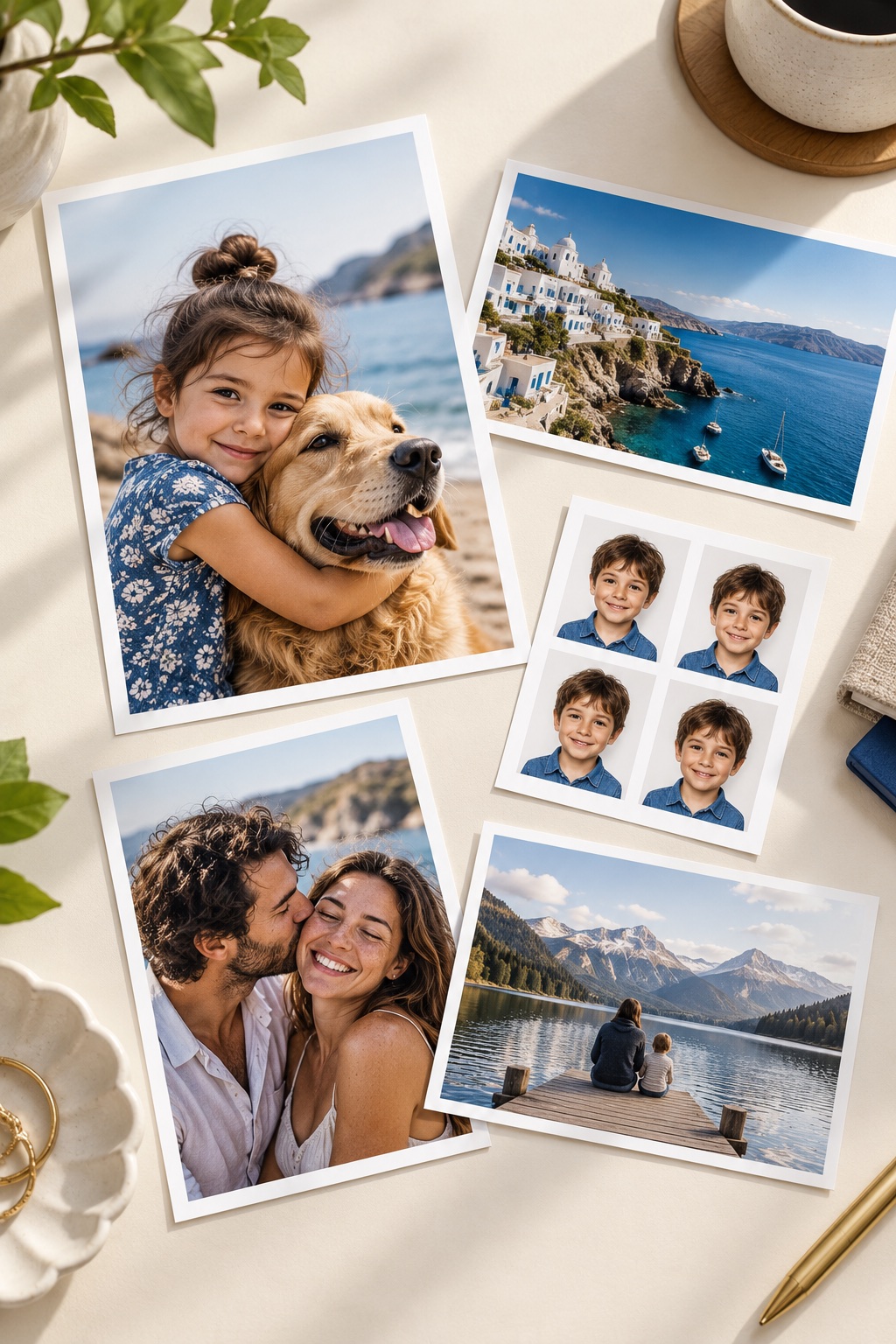
Photographs are digitally created samples for this presentation.
A live page preview keeps paper, margins, spacing, and printer limits in view. Export a PDF or print at actual size with your printer settings.
No account, cloud upload, or subscription is needed to arrange and print your photos.
Find answers to common questions or tell us what happened.
